



Your website is live. You have added services, published a few articles, and searched for your business on Google. Yet competitors keep appearing while your pages remain difficult to find. If you are wondering why a website is not ranking on Google, start by separating three problems: Google has not indexed your page, your indexed page ranks poorly, or your page appears but attracts few clicks.
Those problems require different fixes. Publishing more content will not remove an accidental indexing block. Changing hosting will not solve a mismatch between your page and what customers want.
Google says that eligible pages must be accessible to Googlebot, return a successful response, and contain indexable content. Even then, indexing is not guaranteed.
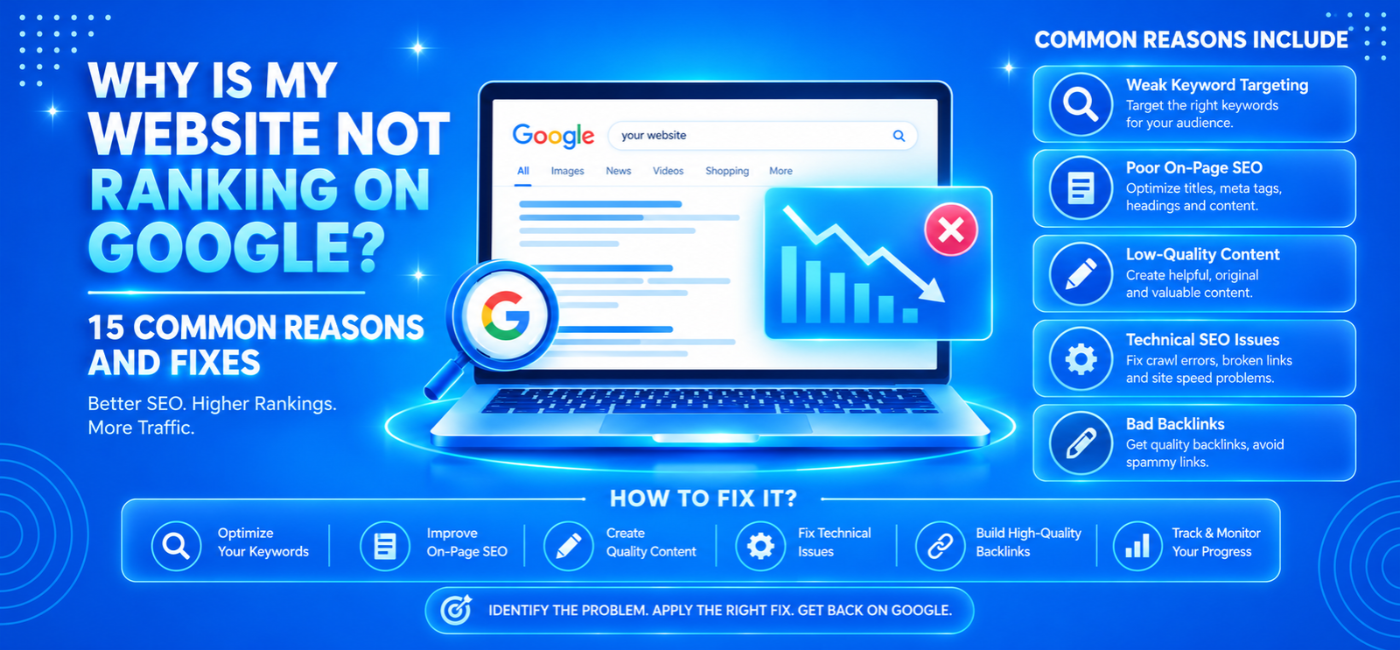
This guide explains 15 common reasons for poor search visibility, how to investigate them, and what to fix first.
Table of Contents
- First, identify the visibility problem
- Your website or page is too new
- Google has not indexed the right pages
- Crawling or indexing is accidentally blocked
- Your server or security system blocks access
- You are targeting unrealistic keywords
- Your page does not match search intent
- Your content provides little additional value
- Your titles and headings lack focus
- Important pages have weak internal links
- Duplicate URLs create conflicting signals
- Google cannot render important content
- Mobile performance needs improvement
- A redesign or migration broke existing signals
- Competitors have stronger relevant credibility
- A manual action or security problem exists
- What to fix first
- FAQs and next steps
First, Identify the Visibility Problem
Before changing the website, open Google Search Console and investigate an important page using URL Inspection.
Then review its search performance.
| What you find | What it may mean | Where to investigate |
| The page is not indexed | Google cannot access it, has not processed it, or has chosen not to index it | URL Inspection and Page indexing |
| The page is indexed but receives few impressions | Limited relevance, demand, competitiveness, or discovery | Queries, content, and competing results |
| The page receives impressions but few clicks | Position, title, intent, or search-result layout may limit clicks | Query-level performance |
| The page gets clicks but no enquiries | Conversion or audience-quality problem | Analytics, forms, and sales records |
Google’s debugging guidance recommends URL Inspection to check the indexed version, test a live URL, inspect rendering, and request indexing where appropriate.
A site: search can provide a quick clue, but do not use its estimated result count as a complete indexing audit.
1. Your Website or Page Is Too New
A newly launched page does not automatically appear in search results immediately. Google needs to discover it, crawl it, process its content, and decide whether to index it.
Google notes that discovering a new website or changes can take a few weeks. That is not a guarantee of indexing or rankings within that period.
What to check
Confirm that the page is publicly accessible, linked from your website, and included in the appropriate sitemap.
How to fix it
Add relevant internal links, submit a valid sitemap, and inspect the URL in Search Console. Request indexing after confirming the page works.
Do not repeatedly submit the same URL and expect that action alone to improve its position.
2. Google Has Not Indexed Your Important Pages
A page cannot compete in normal organic results if Google has not indexed it.
However, not every excluded URL is a problem. Account pages, duplicate filters, and internal search results may be intentionally excluded.
What to check
Compare the pages you want indexed with the Page indexing report. Inspect important service, product, category, and article URLs individually.
How to fix it
Investigate the reported reason before making changes. Improve weak pages, resolve technical barriers, and ensure canonical signals point to the intended version.
Submitting a sitemap helps Google discover URLs; it does not guarantee indexing or increase rankings by itself.
3. Crawling or Indexing Is Accidentally Blocked
A development setting left in place after launch can hide important pages.
Potential causes include:
- A robots.txt rule blocking a section.
- A noindex meta tag.
- An X-Robots-Tag HTTP header.
- Password protection.
- A staging configuration copied to production.
What to check
Inspect the page’s source, response headers, robots rules, and Search Console findings.
How to fix it
Remove unintended restrictions from pages meant for search. Keep legitimate privacy and security restrictions intact.
Remember that robots.txt controls crawling, while noindex controls indexing. Google must generally be able to crawl a page to see its noindex instruction. Google recommends checking access, robots rules, and HTML indexing directives when content is missing.
4. Your Server or Security System Blocks Access
A page may work for you while failing for Googlebot or visitors elsewhere.
Possible causes include server errors, unreliable hosting, login requirements, firewall rules, or security challenges.
What to check
Test affected URLs outside your logged-in session. Review response codes, hosting incidents, Search Console crawl data, and relevant server logs.
How to fix it
Work with your developer or hosting provider to resolve persistent failures. Confirm that genuine crawlers can access public content without bypassing essential security.
Google identifies temporary unavailability, blocked access, and login barriers among reasons a website may not appear.developers.
5. You Are Targeting Keywords That Do Not Fit Your Position
A small business can invest heavily in broad keywords while overlooking searches it can serve more precisely.
For example, “accounting software” is a different opportunity from “accounting software implementation for manufacturing SMEs.”
What to check
Review whether current results serve the same audience, location, and requirement as your page.
How to fix it
Prioritize specific services, use cases, industries, and locations where you have genuine expertise. Do not choose keywords only because they have large search volumes.
A focused search that generates suitable enquiries may be more valuable than broad visibility without commercial relevance.
6. Your Page Does Not Match Search Intent
A useful page can still be the wrong answer to a particular search.
Someone searching for a cost breakdown expects pricing context. Comparing providers expects evaluation criteria. Looking for a product may want an inventory page rather than a general article.
What to check
Examine the dominant result format and the questions those pages answer.
How to fix it
Align the page’s format, opening answer, examples, and next step with the searcher’s task.
NP Creations SEO content writing guide explains how to connect topic selection, search intent, structure, and practical value.
7. Your Content Adds Little Beyond Existing Results
Generic descriptions and repetitive articles give readers little reason to choose your website.
The problem is not simply length. A long page can be unhelpful, while a concise page can answer a focused question well.
What to check
Ask whether your page contains specific information competitors do not already explain equally well.
How to fix it
Add relevant examples, original observations, clear service details, useful comparisons, or first-hand explanations.
Remove filler. Verify claims. Identify who wrote or reviewed specialist material where appropriate.
Google’s people-first guidance emphasizes helpful, reliable content created to benefit readers rather than primarily attract search traffic.
8. Your Titles and Headings Lack Focus
A title such as “Home” or “Our Solutions” gives little context about the page.
At the other extreme, a title packed with repeated keywords looks confusing and unhelpful.
What to check
Review whether the title, main heading, and opening copy describe the same clear purpose.
How to fix it
Use specific, readable wording.
For example:
- Weak: “Services”
- Clearer: “Payroll Outsourcing Services for Indian SMEs”
Do not expect title changes alone to overcome weak content or technical barriers. Treat them as part of a coherent page improvement.
9. Important Pages Have Weak Internal Links
A valuable page can become difficult to discover when it is absent from navigation, related resources, and relevant contextual links.
What to check
Identify important pages that have few or no internal links pointing to them. Review whether users can reach them through logical paths.
How to fix it
Link relevant guides to service pages, connect related articles, and improve category navigation.
Use anchor text that describes the destination. Avoid adding unrelated links merely to increase link counts.
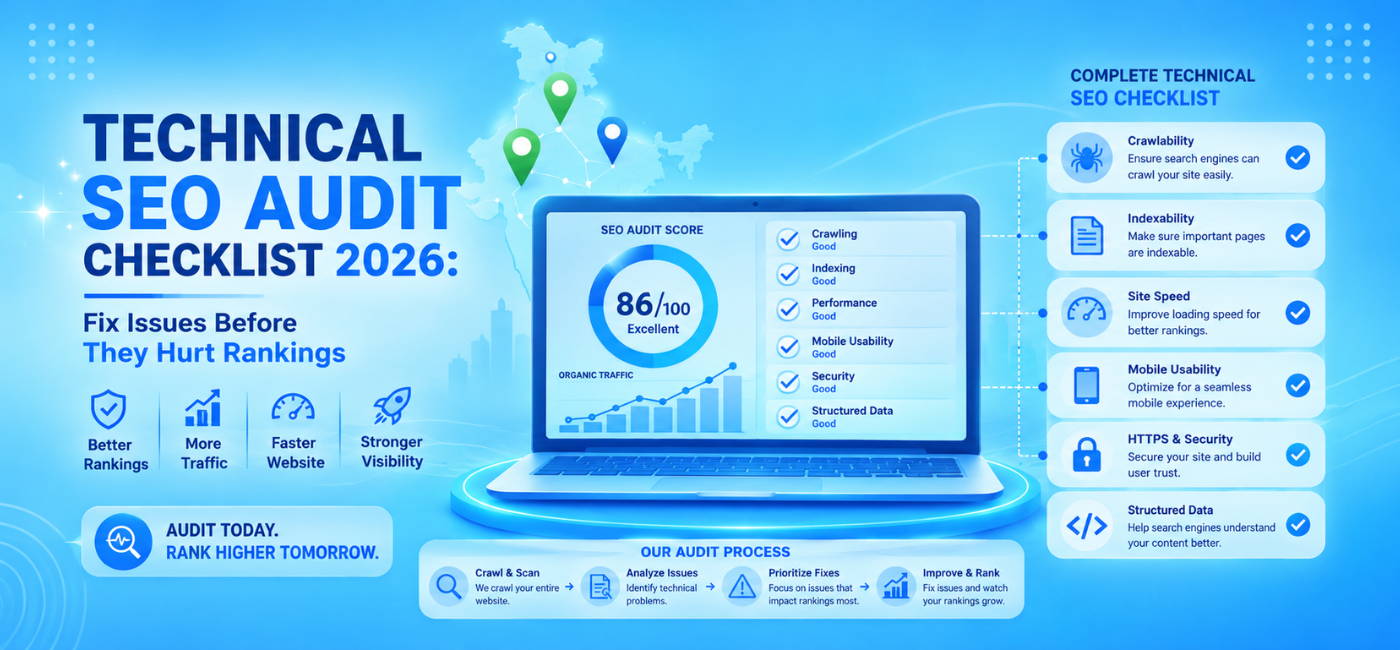
For a broader investigation, use the technical SEO audit checklist to review site architecture alongside crawling and indexing.
10. Duplicate URLs Create Conflicting Signals
The same content may appear through tracking parameters, filters, product variants, or multiple URL formats.
Google may select a different canonical version from the one you expected.
What to check
Compare the declared canonical with Google’s selected canonical in URL Inspection. Review sitemap URLs, internal links, redirects, and duplicate templates.
How to fix it
Make signals consistent around the preferred page. Use appropriate redirects and canonical tags rather than deleting URLs indiscriminately.
Duplicate content is not automatically a penalty. The practical problem is often consolidation, unnecessary crawling, or the wrong URL appearing.
11. Google Cannot Render Important Content
JavaScript can power useful interfaces, but implementation problems may prevent essential text or links from appearing correctly in rendered output.
What to check
Compare the initial HTML, rendered page, and URL Inspection output. Pay attention to service descriptions, product information, and navigation.
How to fix it
Ensure critical information is available reliably without requiring interactions Google may not perform.
Review loading failures, blocked resources, and script errors with your developer. Google recommends testing how it sees a site when diagnosing crawling and rendering problems.developers.google+1
12. Your Mobile Experience or Performance Is Weak
A site that works well on desktop may contain missing content, broken menus, slow interactions, or intrusive overlays on phones.
What to check
Test important pages on actual devices. Review mobile content, forms, navigation, and field performance data.
How to fix it
Optimize oversized media, reduce unnecessary scripts, prevent layout movement, and preserve essential content.
Google uses mobile-first indexing, and Core Web Vitals measure loading, responsiveness, and visual stability. However, a good performance score does not guarantee a high ranking.developers.google+1
Follow the mobile SEO optimization guide for practical device-level checks.
13. A Redesign or Migration Broke Existing Signals
A visually improved website can lose visibility if valuable URLs, content, or links disappear.
What to check
Compare the timing of the decline with redesigns, CMS changes, domain moves, or template releases.
Look for missing redirects, accidental noindex settings, deleted content, and changed canonical rules.
How to fix it
Map old URLs to relevant replacements, restore valuable information where appropriate, and correct indexing settings.
Do not redirect every removed page to the homepage. Google recommends following its migration guidance when a website moves.
14. Competitors Offer Stronger Relevant Credibility
Your page may be technically accessible and useful but still compete against businesses with better-established expertise, relevant mentions, stronger resources, or clearer evidence.
What to check
Compare the substance of competing pages—not only their backlink totals.
How to fix it
Publish credible case studies, detailed resources, original research where possible, and transparent business information. Build relationships that can earn relevant mentions.
Avoid buying bulk links. Google warns that paying for links to influence visibility can violate its spam policies.
A third-party “domain authority” score is not a Google metric or a diagnosis by itself.
15. A Manual Action or Security Problem Exists
A sudden decline does not automatically mean a penalty. Nevertheless, explicit warnings require prompt attention.
What to check
Review Search Console’s Manual actions and Security issues sections. Investigate hacked pages, injected content, suspicious redirects, or unauthorized changes.
How to fix it
Resolve the underlying issue, secure the website, and follow the review process described in the relevant report.
Do not submit a reconsideration request for every ranking decline. Use it when the applicable manual-action process calls for one.
Google advises checking whether a missing site complies with Search Essentials and has been hacked or modified by a third party.
What Should You Fix First?
Prioritize barriers before enhancements.
| Priority | Example | First action |
| Critical | Important pages blocked or returning errors | Restore access and intended indexability |
| High | Wrong canonical or broken migration | Correct conflicting URL signals |
| High | Page targets the wrong search need | Rework purpose, format, and content |
| Medium | Weak links and unclear navigation | Improve discovery paths |
| Medium | Poor mobile interactions | Fix affected templates and conversion paths |
| Ongoing | Limited differentiation or credibility | Build useful resources and evidence |
Document each issue with an affected URL, evidence, recommended action, owner, and validation method.
After implementation, test the live page again. Search Console may continue showing an older error until Google recrawls it.
Frequently Asked Questions
1. How do I diagnose why a website is not ranking on Google?
Start with URL Inspection to establish whether an important page is indexed. Then investigate access, indexing directives, canonical selection, query relevance, content quality, and competition.
2. Why does my website appear for its name but not my services?
Your brand query and service queries involve different relevance and competition. Review whether dedicated service pages clearly match what prospective customers search for.
3. Will submitting a sitemap improve rankings?
A sitemap helps Google discover URLs. It does not guarantee indexing or increase rankings on its own.
4. Does a low traffic number prove my rankings have fallen?
No. Check impressions, clicks, query positions, seasonality, and tracking. Lower traffic can have causes other than ranking loss.
5. Should I delete every page Google has not indexed?
No. Investigate first. Some pages should remain excluded; others need stronger content, better discovery, consolidation, or a technical correction.
6. How quickly will fixes work?
There is no universal deadline. Results depend on the problem, implementation, recrawling, and reassessment. Even fixing a technical barrier does not guarantee a particular position.developers.google+1
7. When should I request a professional audit?
Consider one when many pages are affected, a migration caused losses, technical findings conflict, or changes are being made without a clear diagnosis.
Conclusion
A website can struggle on Google for several different reasons, and the right fix depends on identifying the actual problem.
Begin with access and indexing. Then review search intent, content usefulness, internal links, canonical signals, mobile performance, and competitive credibility.
A focused diagnosis is more valuable than repeatedly publishing content, changing plugins, or buying links without evidence.
Get an Evidence-Based SEO Review
If your team needs help separating technical barriers from content and competitive problems, explore NP Creation AI SEO services.
Its published process includes an SEO audit, competitor benchmarking, intent mapping, content optimization, and ongoing monitoring. Ask for a review that identifies affected pages, prioritizes fixes, and explains how implementation will be validated.