
























Introduction
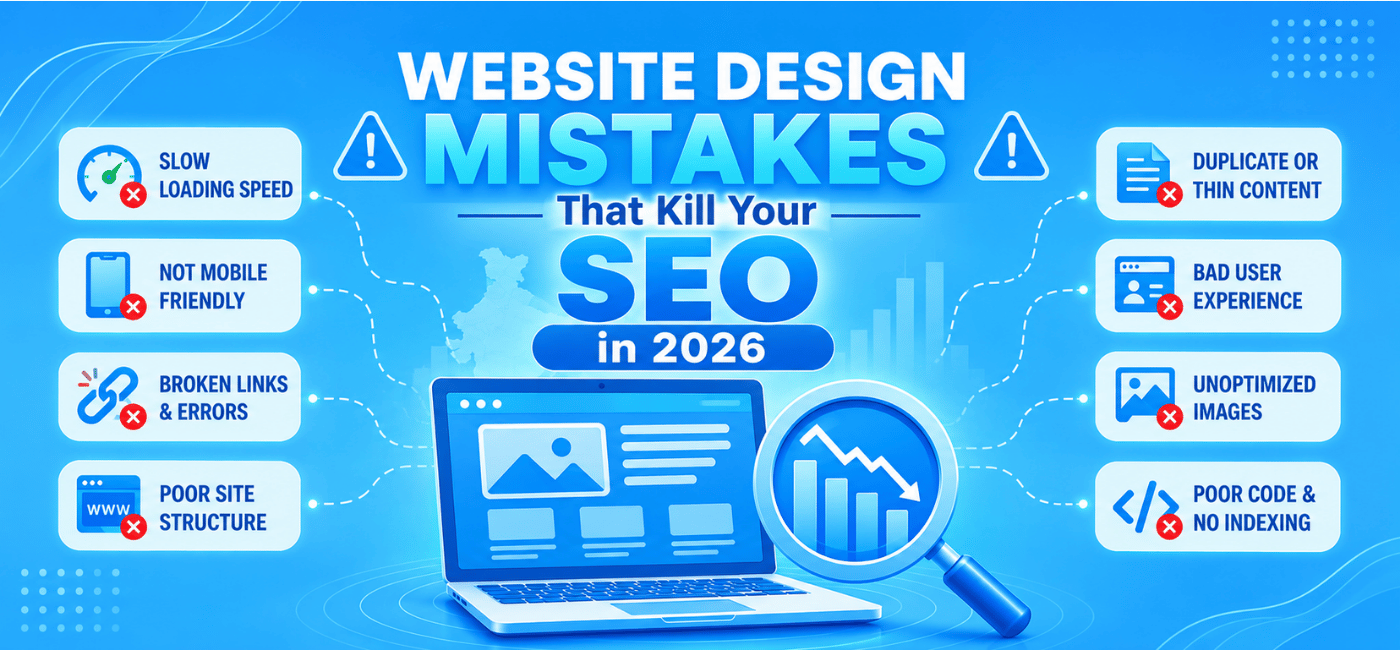
A website can look modern and still perform poorly in search. Heavy animations, confusing menus, oversized images, and mobile usability problems may create a visually impressive design while making the site slower, harder to crawl, and frustrating to use.
That is why website design mistakes kill SEO when design decisions are made without considering page speed, accessibility, content structure, technical SEO, and user experience. A redesign can improve your brand image, but it can also cause traffic losses if URLs, redirects, metadata, or internal links are not handled correctly.
This guide explains the most damaging web design mistakes in 2026 and shows how businesses can avoid them.
Table of Contents
- Why web design affects SEO
- Slow page speed
- Poor mobile experience
- Confusing navigation
- Excessive JavaScript
- Weak content structure
- Oversized images
- Missing accessibility features
- Redesigning without SEO planning
- Other technical mistakes
- Website design SEO checklist
- FAQs
- Conclusion and CTA
Why Web Design Affects SEO
SEO and web design are closely connected. Search engines need to crawl and understand your website, while visitors need to navigate it quickly and comfortably.
A website design can affect:
- Page speed.
- Mobile usability.
- Content visibility.
- Internal linking.
- Crawlability.
- Conversion rates.
- Accessibility.
- Core Web Vitals.
- Search engine understanding.
Google’s own documentation explains that websites with localized versions need clear signals such as hreflang, while technical structure and accessible content help search engines process pages correctly. Although international targeting is a separate SEO activity, the same principle applies to website design: the structure should make content easy for both users and crawlers to understand.
A beautiful website is valuable only when it supports visibility, usability, and business goals.
1. Prioritizing Appearance Over Speed
One of the most common design problems is adding too many visual elements without considering performance. Large video backgrounds, animated sliders, high-resolution images, custom fonts, and unnecessary effects can delay page rendering.
Slow pages create several problems:
- Visitors leave before the page loads.
- Mobile users have a poor experience.
- Important content appears late.
- Conversion rates decline.
- Search performance may suffer.
Recent web design guidance continues to identify oversized media, heavy scripts, and unoptimized fonts as major performance problems.
How to fix it
- Compress images before uploading.
- Use modern formats such as WebP or AVIF.
- Remove unnecessary animations.
- Load below-the-fold images lazily.
- Minimize CSS and JavaScript.
- Use a reliable hosting environment.
- Reduce third-party scripts.
- Test pages on mobile networks.
Do not remove every visual element. Instead, keep design features that support communication, trust, or conversions.
2. Creating a Poor Mobile Experience
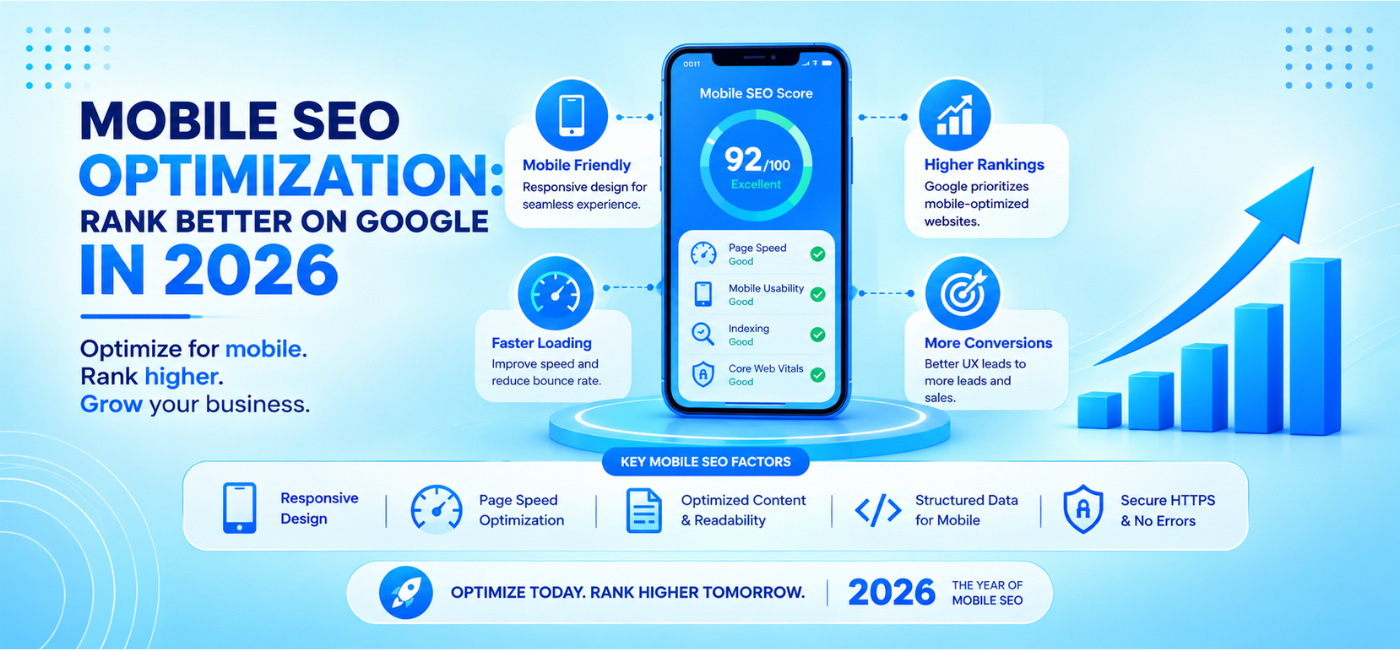
Google uses mobile-first indexing, which means the mobile version of a website is extremely important for search visibility. A website that looks good on desktop but breaks on mobile can lose both rankings and customers.
Common mobile design problems include:
- Text that is too small.
- Buttons that are difficult to tap.
- Horizontal scrolling.
- Menus that do not open correctly.
- Intrusive pop-ups.
- Content hidden on mobile.
- Forms that are too long.
- Layout shifts while the page loads.
A responsive website should not simply shrink the desktop version. It should be designed around how people actually use mobile devices.
Mobile design checklist
- Use readable font sizes.
- Keep important buttons easy to tap.
- Make phone numbers clickable.
- Avoid content extending beyond the screen.
- Test menus on multiple devices.
- Keep forms short.
- Display key information early.
- Make the mobile and desktop content equivalent.
Mobile usability problems can also reduce engagement. If users struggle to find a phone number, menu, service, or checkout button, they may leave before completing an action.
3. Building Confusing Navigation
Navigation helps visitors find information and helps search engines discover important pages. A complicated navigation structure can weaken both user experience and crawlability.
A visitor should not need to click through several unrelated pages to find your main service. Important content should be easy to reach from the homepage or relevant category pages.
Signs of weak navigation
- Too many top-level menu items.
- Generic labels such as “Solutions” without explanation.
- Important pages hidden in dropdowns.
- No breadcrumb navigation.
- Orphaned pages with no internal links.
- Menus that depend entirely on JavaScript.
- No clear path from information pages to service pages.
How to improve navigation
Group related pages into logical categories. Use descriptive anchor text and create a clear hierarchy.
For example, a digital agency might organize its menu as:
- SEO services.
- PPC services.
- Web design.
- eCommerce solutions.
- Resources.
- Contact.
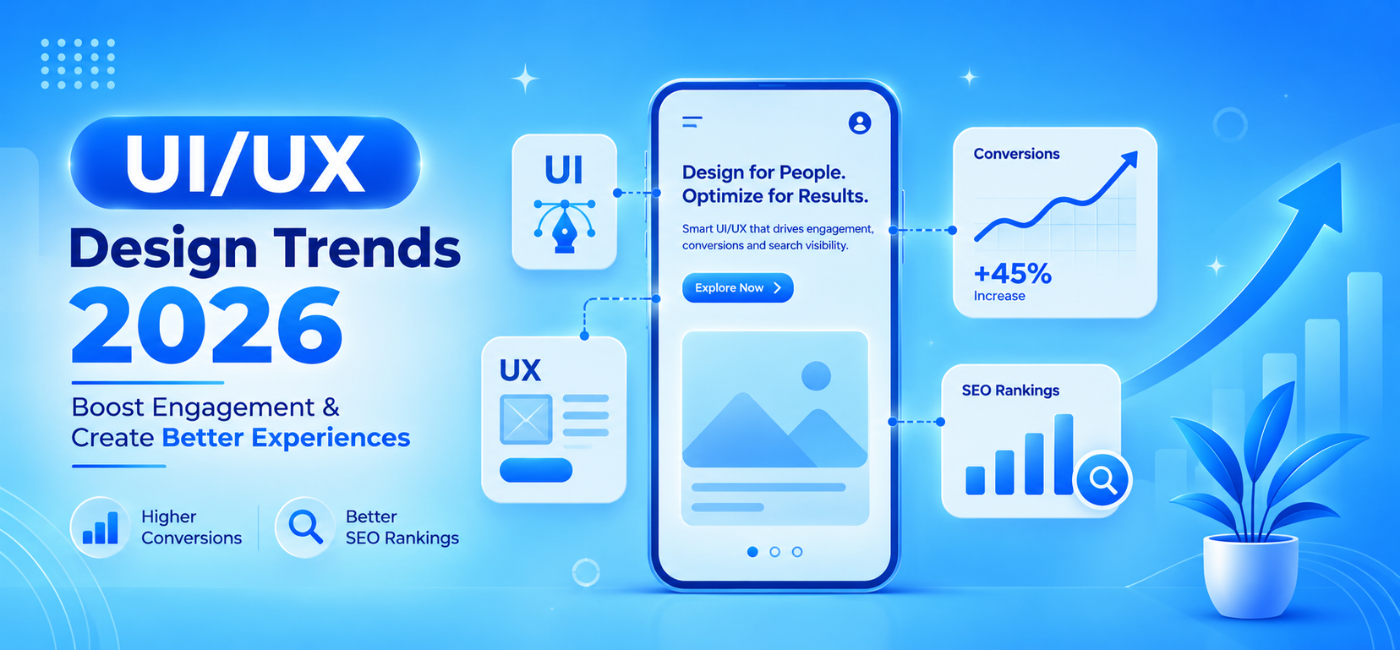
NP Creations offers UI/UX design services focused on navigation, interfaces, and meaningful user interactions. A strong information architecture should be planned before visual design begins.
4. Using Too Much JavaScript
JavaScript can create interactive menus, filters, animations, sliders, pop-ups, and dynamic content. However, excessive JavaScript can slow down a page and make important content harder for search engines to process.
Potential problems include:
- Slow interaction.
- Delayed content rendering.
- Menus that do not work for every user.
- Search engines are missing important content.
- Layout shifts.
- Increased maintenance complexity.
This does not mean JavaScript should never be used. The issue is using it for elements that could work with simpler HTML and CSS.
Better implementation
- Use plain HTML links for important navigation.
- Keep critical content in the initial page source where possible.
- Defer non-essential scripts.
- Load interactive features only when needed.
- Remove unused libraries.
- Test rendered content.
- Check whether search engines can access key pages.
Important content should not be hidden exclusively behind clicks, tabs, or scripts without a reliable fallback.
5. Hiding Important Content
Some designs prioritize minimalism so heavily that useful content disappears. A page may contain attractive images and short slogans but lack the information search engines and customers need.
Common examples include:
- Service details hidden in accordions.
- Product information loaded only after interaction.
- Image-based headings.
- Very short landing pages.
- Key features shown only in graphics.
- Content placed far below unrelated design elements.
Search engines need clear text to understand relevance. Visitors also need enough information to make decisions.
Use content strategically
Each important page should explain:
- What the business offers.
- Who the service is for.
- What makes it different?
- How the process works.
- What the next step should be.
Keep the content easy to scan with short paragraphs, headings, lists, tables, and descriptive links.
6. Uploading Oversized Images
High-quality photography is important for branding, but uploading images directly from a camera or design tool can create unnecessarily large files.
A single uncompressed image can add significant page weight. Multiple large images can make the entire page slow.
Image optimization checklist
- Resize images to the largest display size needed.
- Compress files before upload.
- Use descriptive filenames.
- Add meaningful alt text.
- Use responsive image sizes.
- Lazy-load below-the-fold images.
- Preload the main hero image only when appropriate.
- Avoid using images for text that should be crawlable.
The goal is not to make images low quality. It is to deliver the right quality at the right size.
7. Ignoring Accessibility
Accessibility and SEO often support the same goal: making information easier to understand and use.
Poor accessibility can result from:
- Low color contrast.
- Missing alt text.
- Unlabeled forms.
- Navigation that cannot be used with a keyboard.
- Buttons without clear labels.
- Videos without captions.
- Text embedded inside images.
Current web design recommendations emphasize readable contrast, descriptive image text, correctly labeled forms, and keyboard navigation.
Practical accessibility improvements
- Use proper heading order.
- Add alt text to informative images.
- Mark decorative images appropriately.
- Label every form field.
- Use descriptive button text.
- Maintain sufficient color contrast.
- Make focus states visible.
- Add captions where needed.
Accessibility improvements can make websites easier for all visitors, including people using screen readers, keyboard navigation, or mobile assistive tools.
8. Using Duplicate or Weak Metadata
A website redesign often introduces duplicate page titles, missing descriptions, or generic metadata. These problems can reduce click-through rates and make it harder for search engines to distinguish pages.
Avoid using the same title across:
- Product pages.
- Service pages.
- Location pages.
- Blog posts.
- Category pages.
Each important page should have a clear and unique title that reflects its purpose. Meta descriptions should explain the page benefit and encourage a relevant click.
Metadata alone will not fix weak content or technical problems, but it is an important part of page optimization.
9. Redesigning Without an SEO Plan
A website redesign can create serious traffic problems if SEO is treated as an afterthought.
Common redesign failures include:
- Changing URLs without redirects.
- Deleting pages that still receive traffic.
- Removing internal links.
- Replacing useful content with short copy.
- Forgetting canonical tags.
- Blocking the site with noindex.
- Changing headings without reviewing rankings.
- Launching without a pre- and post-launch audit.
Safer redesign process
Before the redesign:
- Export existing URLs.
- Record traffic and ranking data.
- Identify valuable landing pages.
- Review backlinks.
- Map old URLs to new URLs.
- Create a redirect plan.
- Review important metadata.
After the redesign:
- Test redirects.
- Check indexability.
- Verify XML sitemaps.
- Review internal links.
- Test mobile performance.
- Monitor rankings and traffic.
- Fix errors quickly.
Never remove a page simply because it looks old. First check whether it attracts traffic, generates leads, or has valuable links.
10. Ignoring Conversion Design
SEO brings visitors, but design helps convert them. A website can rank well and still generate poor business results if visitors cannot understand what to do next.
Common conversion problems include:
- No clear call to action.
- Contact forms that are too long.
- No visible phone number.
- Weak service descriptions.
- No trust signals.
- Poorly designed checkout pages.
- Important information buried below the fold.
A practical website should guide visitors toward an action such as:
- Requesting a quote.
- Calling the business.
- Booking a consultation.
- Downloading a resource.
- Purchasing a product.
- Sending a WhatsApp message.
The call to action should match the user’s intent. An informational blog visitor may need a helpful guide, while a service-page visitor may be ready to request a consultation.
11. Creating Thin Location Pages
Businesses often create multiple city pages to attract local searches. However, publishing almost identical pages with only the city name changed can create low-value content.
A useful location page should include genuinely local information:
- Services available in that location.
- Local customer needs.
- Service coverage area.
- Relevant examples.
- Local testimonials where available.
- Address or contact information.
- Clear directions or operating details.
Avoid creating dozens of pages that provide no unique value. Quality and usefulness matter more than page count.
12. Forgetting Internal Links
Internal links help users move through your website and help search engines discover important pages. A page without internal links may become isolated from the rest of the site.
Add contextual links between:
- Blog posts and service pages.
- Product categories and product pages.
- Location pages and contact pages.
- Guides and related resources.
- Homepage sections and core services.
For example, an article about design-related SEO problems can link naturally to AI SEO services when discussing technical audits, content optimization, and performance monitoring.
Website Design SEO Checklist
Use this quick review before launching a new website or redesign:
Performance
- Test mobile page speed.
- Compress large images.
- Reduce unnecessary scripts.
- Review Core Web Vitals.
- Test server response time.
- Remove unused plugins and apps.
Mobile experience
- Check responsive layouts.
- Test navigation.
- Make buttons easy to tap.
- Remove intrusive overlays.
- Check forms.
- Test across multiple devices.
Crawlability
- Confirm important pages are indexable.
- Review robots.txt.
- Check canonical tags.
- Submit the XML sitemap.
- Test internal links.
- Fix broken pages.
Content and metadata
- Add one clear H1 per page.
- Use logical heading order.
- Write unique titles.
- Create useful meta descriptions.
- Add descriptive alt text.
- Keep key content accessible.
Redesign protection
- Record existing URLs.
- Map old URLs to new URLs.
- Implement relevant 301 redirects.
- Preserve valuable content.
- Monitor traffic after launch.
- Review Google Search Console errors.
Frequently Asked Questions
1. What are the most common website design mistakes that kill SEO problems?
The most common problems include slow loading pages, poor mobile layouts, confusing navigation, excessive JavaScript, missing content, oversized images, and redesigns without redirects.
2. Can a beautiful website have poor SEO?
Yes. Visual design does not guarantee crawlability, speed, mobile usability, accessible content, or strong information architecture.
3. Does website speed affect SEO?
Speed affects user experience and can contribute to search performance issues. Large images, heavy scripts, poor hosting, and unnecessary design elements are common causes of slow pages.
4. How does mobile design affect rankings?
A poor mobile experience can make content difficult to use and reduce engagement. Important content and functionality should work consistently across mobile and desktop.
5. Can a website redesign reduce organic traffic?
Yes. Changing URLs, deleting pages, removing content, or introducing indexation problems can reduce organic visibility if the redesign is not planned properly.
6. Is JavaScript bad for SEO?
JavaScript is not automatically bad. Problems occur when it delays important content, creates inaccessible navigation, or prevents search engines from discovering key information.
7. Should SEO be planned before web design?
Yes. SEO requirements should be considered during website planning, information architecture, design, development, migration, and post-launch testing.
Conclusion
Good website design is not only about colors, layouts, and visual appeal. It should also make your content accessible, your pages fast, your navigation clear, and your website easy for search engines to understand.
The most damaging design mistakes are usually preventable. Compressing images, simplifying navigation, protecting URLs, improving mobile usability, and involving SEO before development can make a major difference.
If your website needs both a stronger user experience and better organic visibility, design and SEO should be planned together—not treated as separate projects.
Call to Action
Planning a new website or redesign? NP Creations can help combine design, development, and SEO through UI/UX design services, AI SEO services, and website-focused digital solutions.
You can also contact NP Creations to discuss your website, technical SEO, and growth requirements